Please note: images in this guide can be made larger by clicking on them.
Accessing the Customer Panel
Note: The Customer Panel is for returning customers. If you haven’t yet placed a booking please use the Book Now page.
To access the Customer Panel please follow these steps.
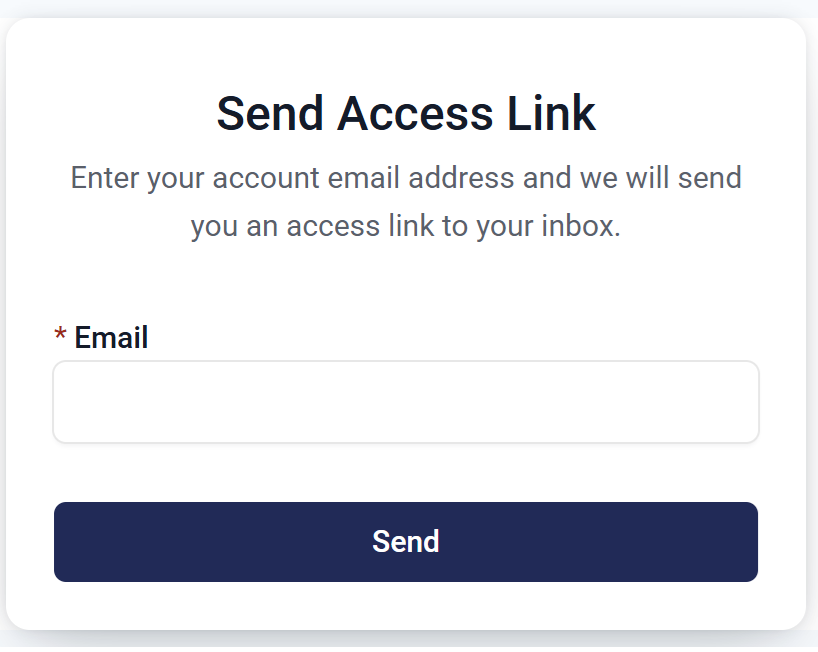
- Visit the Customer Panel login page
- Type in the email address used for placing your booking(s). Please note that your bookings are linked to the address used at the time of placing the booking and so using other email addresses will not send you a link or show you your bookings. If you have used multiple email addresses to place bookings you will need to log in to multiple customer panel accounts as each one only shows bookings linked to that specific address.
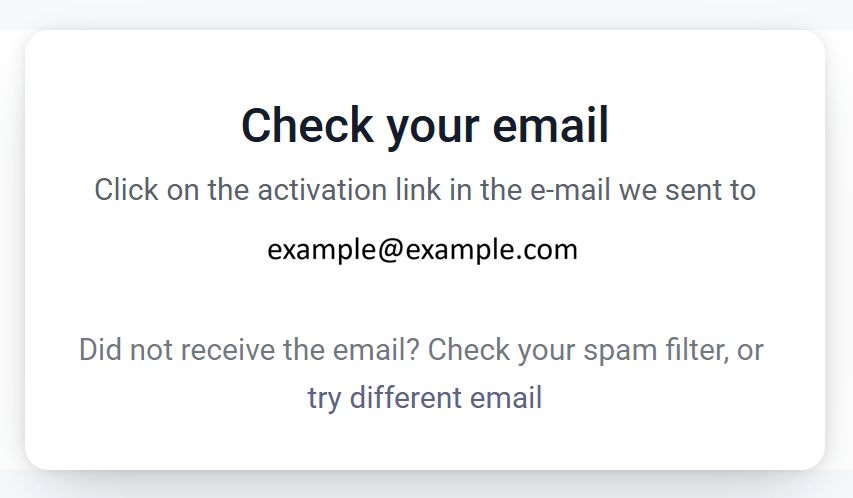
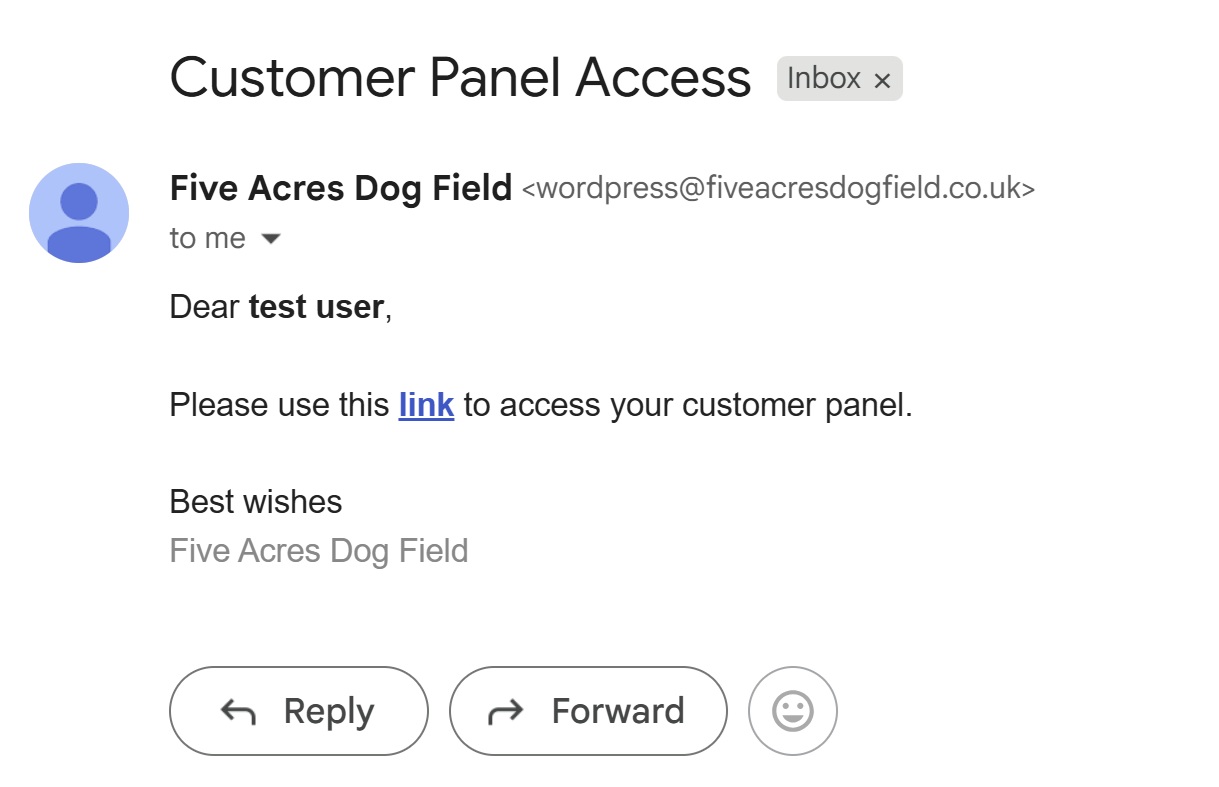
- If the email address is registered on the site and linked to a past of future booking you will receive an email with a link to access the customer panel. Please click the link and it will log you in (no password required).
Editing your profile
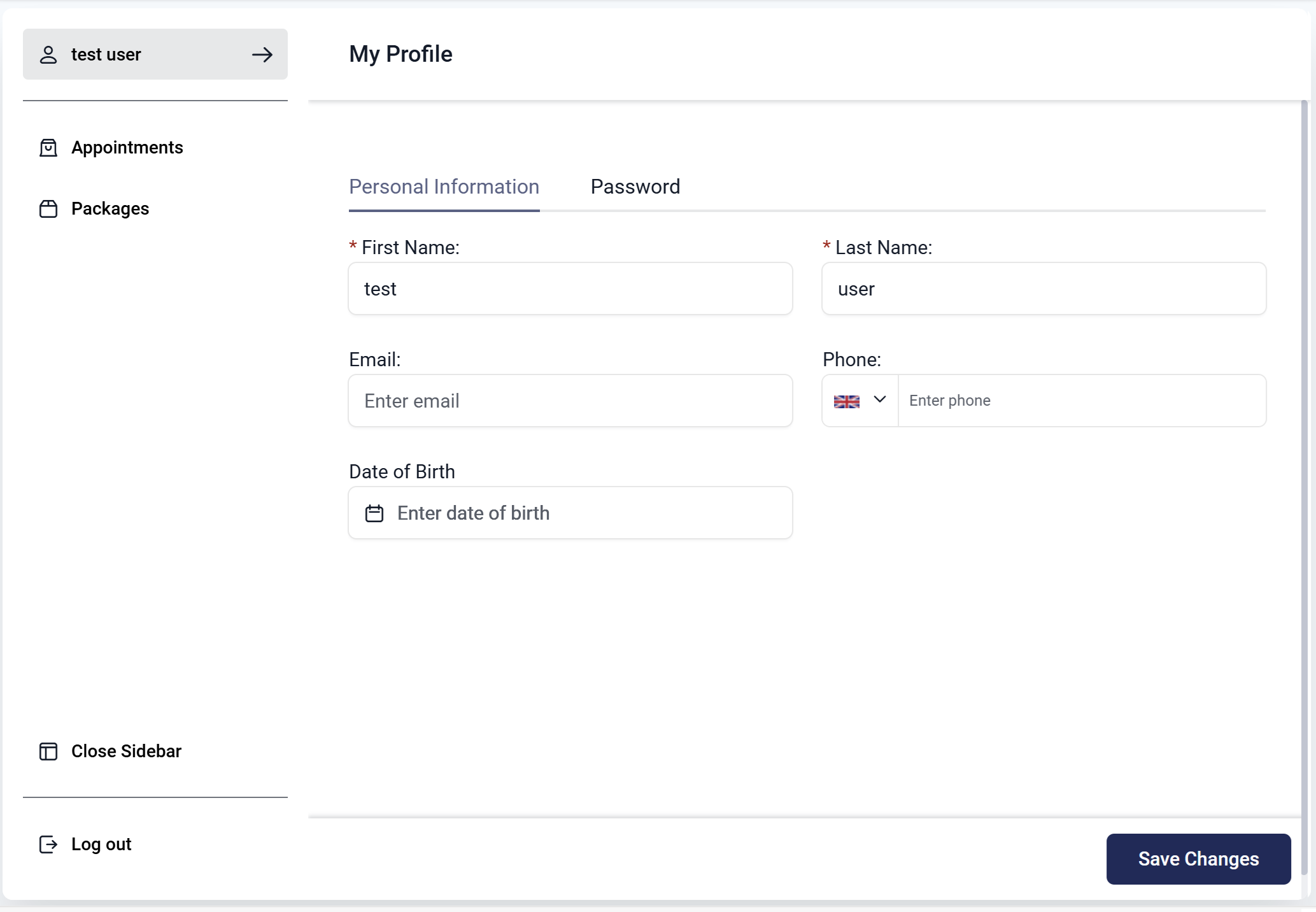
If you wish to change your email address, or other personal information please click the link in the top left corner of the customer panel which should be your name.
Please note: the sidebar can sometimes be accidentally closed and so you may wish to open it if you can’t see the link for your profile.
Viewing appointments you have purchased
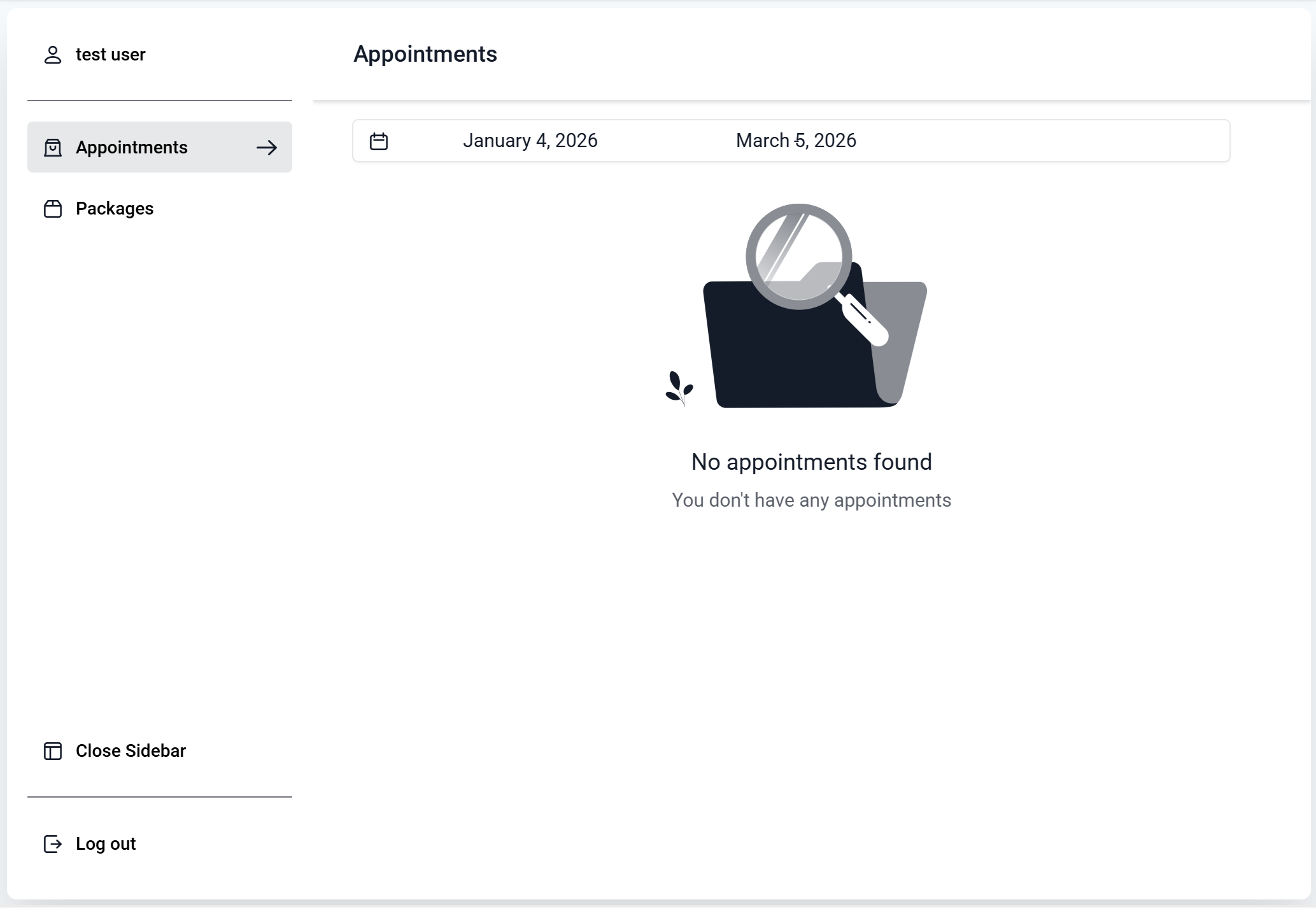
If you wish to view upcoming or past bookings please select the Appointments tab on the left side of the customer panel.
In addition to being able to view appointments you can also cancel upcoming appointments that are 24 hours or more in the future.
Please note: the sidebar can sometimes be accidentally closed and so you may wish to open it if you can’t see the link for Appointments.
Viewing packages you have purchased
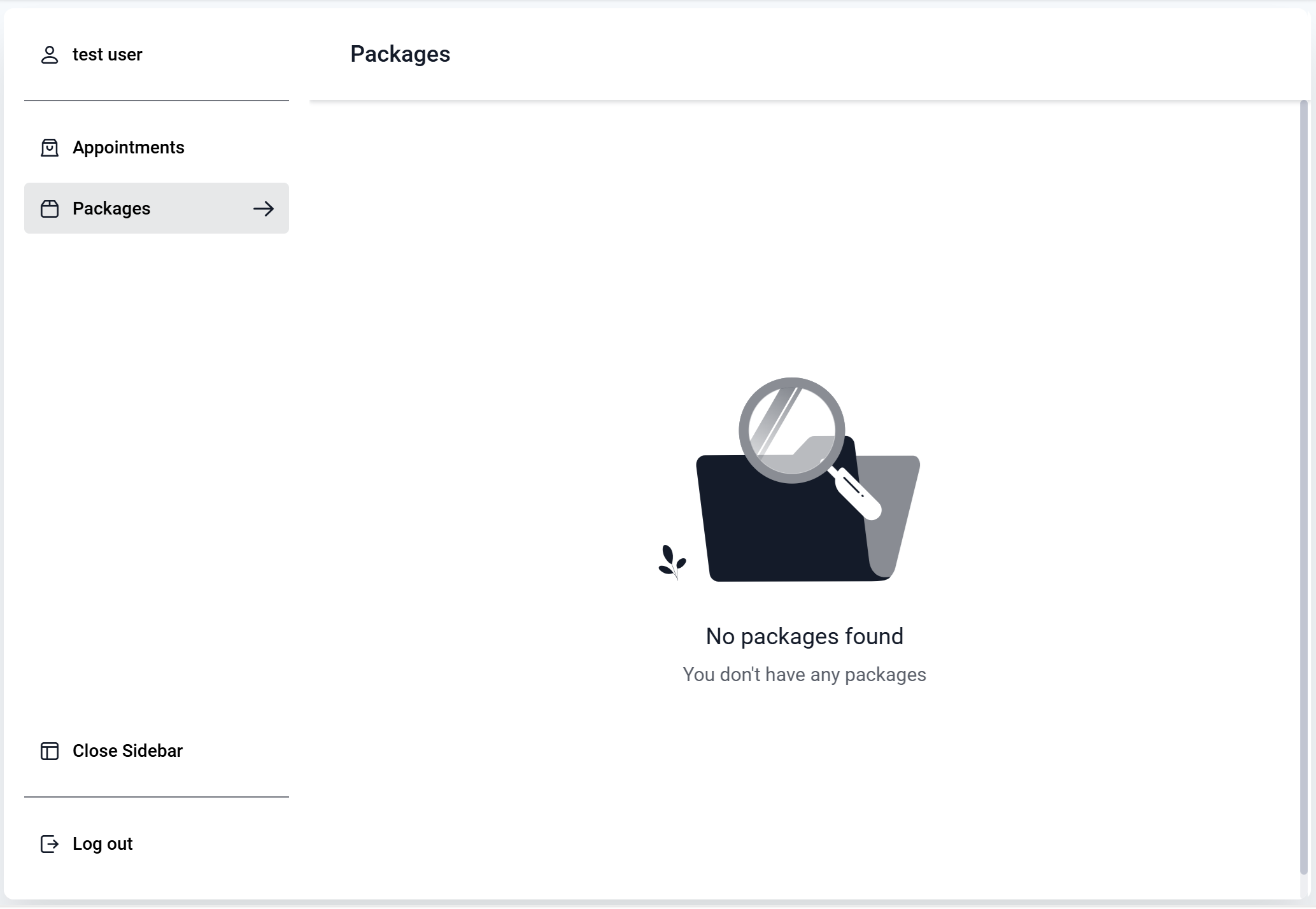
If you wish to view upcoming or past bookings please select the Packages tab on the left side of the customer panel.
If you haven’t booked all the appointments for your package please use this tab to make additional bookings to complete your package.
Please note: the sidebar can sometimes be accidentally closed and so you may wish to open it if you can’t see the link for Packages.